
Paragliding
Visualize altitude and glide path in your paragliding videos.
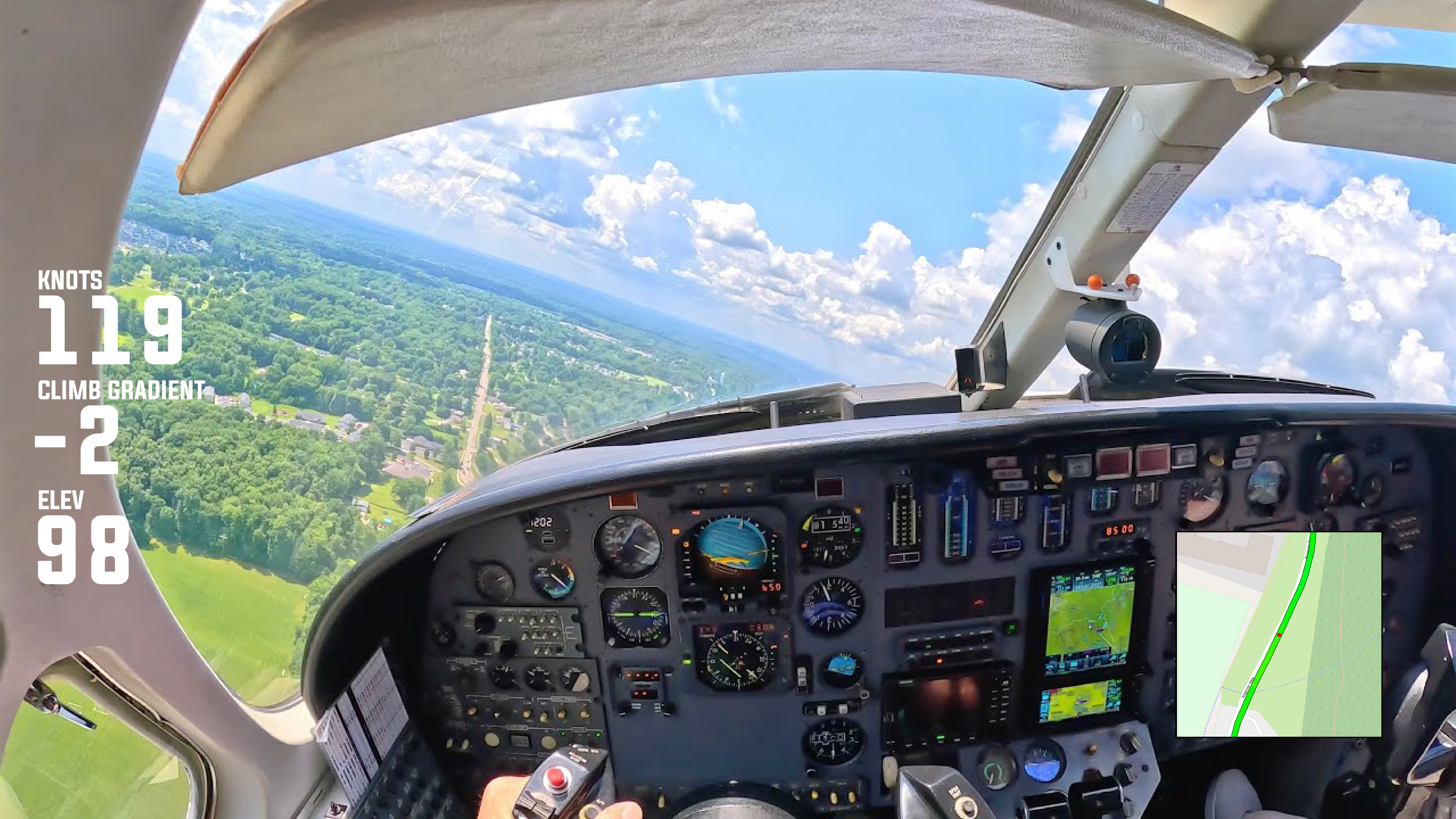
How did your flight move through the air from launch to landing? Visualize altitude changes, glide ratio, and flight direction directly over your footage. See how your wing interacts with terrain and airflow, with clear route maps and altitude indicators that reveal the true shape of the flight rather than just the distance covered.
Understand each decision point with altitude profiles, glide path tracking, and segment highlights. Identify thermal climbs, transition zones, and sink areas while reviewing how altitude was gained, maintained, or lost. These widgets make complex flight behavior easier to interpret and explain, especially when reviewing technique or conditions.
Present your flights as a complete aerial journey, not just a line on a map. Altitude overlays and glide paths help communicate flow, efficiency, and control, making each video useful for review, learning, or sharing with the paragliding community. The focus stays on movement through air, not speed or time alone.