
Elevation Profile
Show climbs and descents along your route.
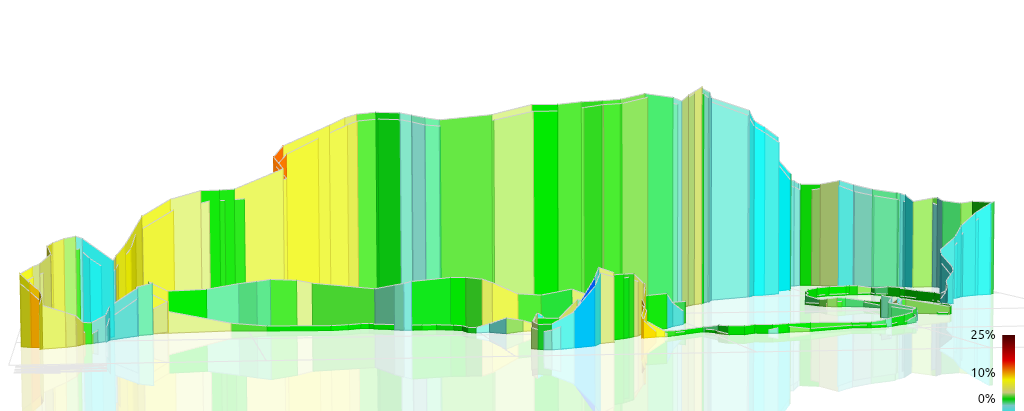
The Elevation Profile widget visualizes altitude changes throughout the route using elevation fields extracted from FIT or GPX files. Raw values are typically smoothed to reduce GPS-induced spikes, using either a fixed-window filter or adaptive smoothing for irregular sampling. The profile updates in sync with the video timeline, highlighting your current position along the route.
Supported units include meters and feet, selectable during configuration. Visualization options include filling the area under the profile, drawing gradient-colored segments to emphasize climbs and descents, or applying grade-based color coding derived from distance-adjusted elevation change.
The widget can optionally align with other metrics, such as distance, power, or speed markers. For example, distance ticks may be overlaid along the chart, or the current speed can be shown at the active position on the profile line to provide additional context during climbs.