
Speed Gauge Widget
Show current or average speed in a clean gauge-style widget.
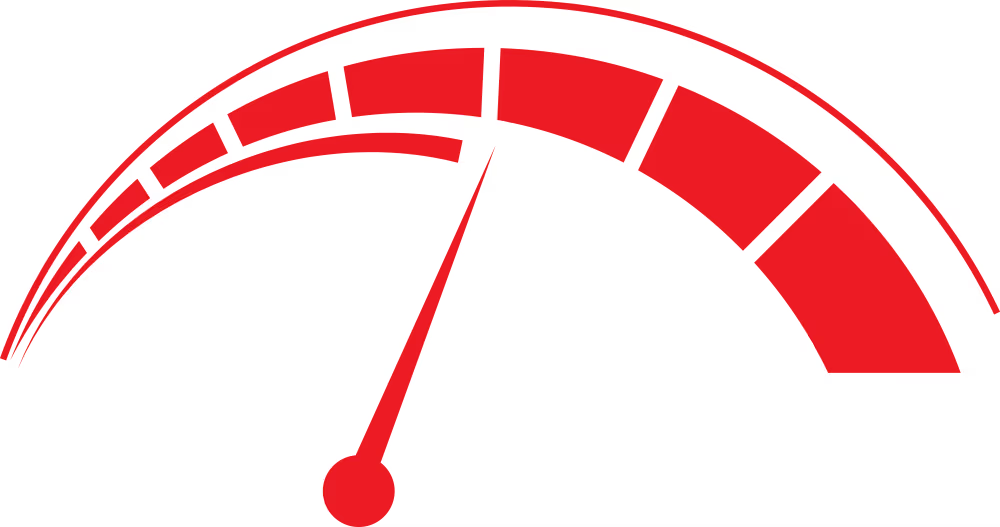
The Speed Gauge widget visualizes real-time speed, average speed, or both, depending on the data fields available in your activity file. Instantaneous values are pulled directly from the speed channel of FIT or GPX sources. Average speed is computed from total distance and elapsed time when the file does not provide a direct metric.
Configuration options include selecting units (km/h, mph, or knots), choosing one of several gauge color themes, and defining custom thresholds for visual emphasis (for example, highlighting speeds above a target pace). The gauge can also be configured to show or hide numerical labels, tick marks, and average-speed indicators.
For optimal readability, place the Speed Gauge in a corner that avoids conflict with forward-facing action in the video. Bottom corners generally work best for cycling and running footage, while top corners may be preferable for motor sports. Ensure the gauge does not overlap map widgets or other motion-sensitive overlays.